
The Upgrade Everyone Deserves
The Signature MK650 Combo for Business delivers what IT needs and employees deserve.
Home > Logitech > Logitech MK 650 Combo for Buss

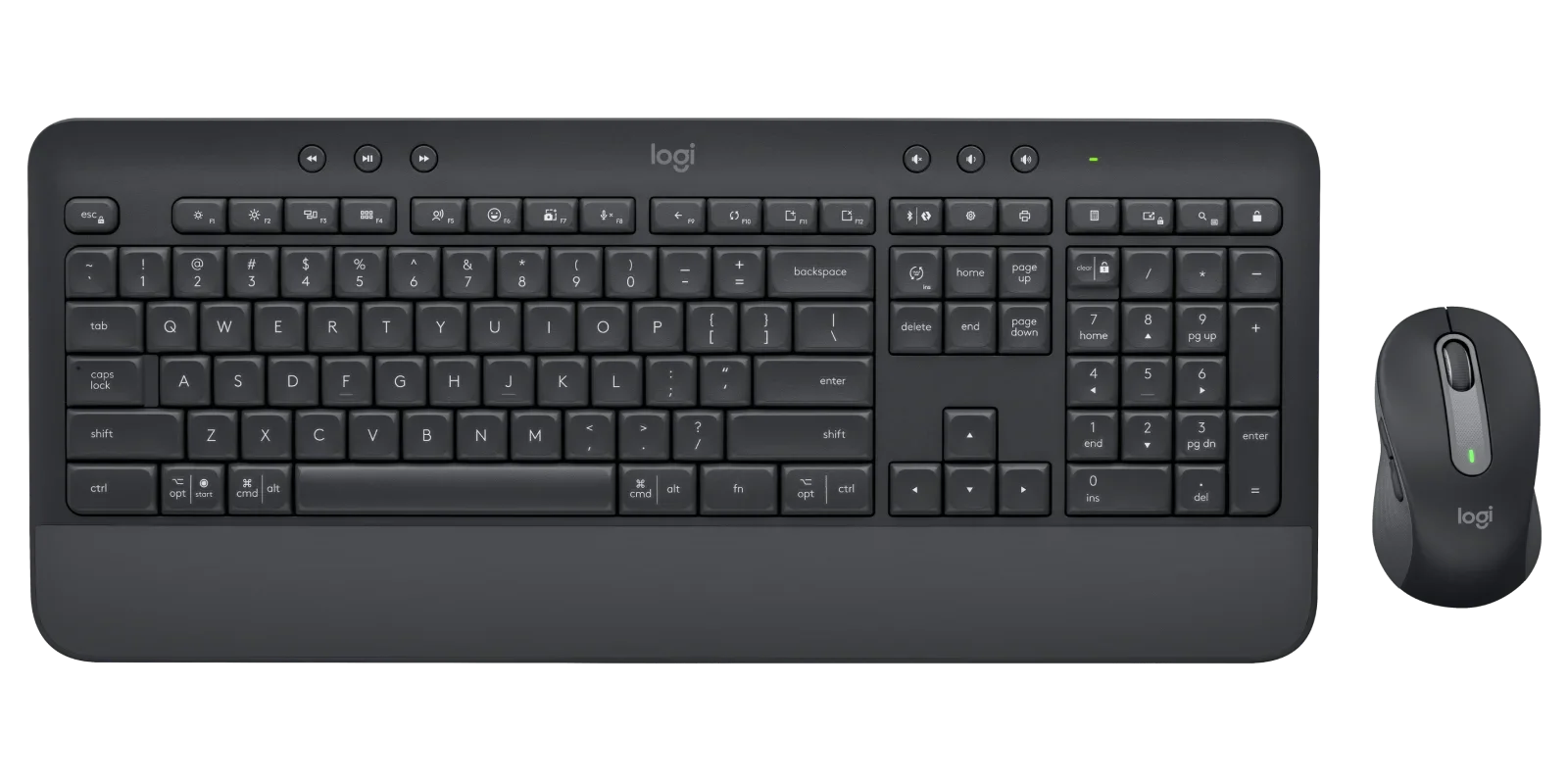
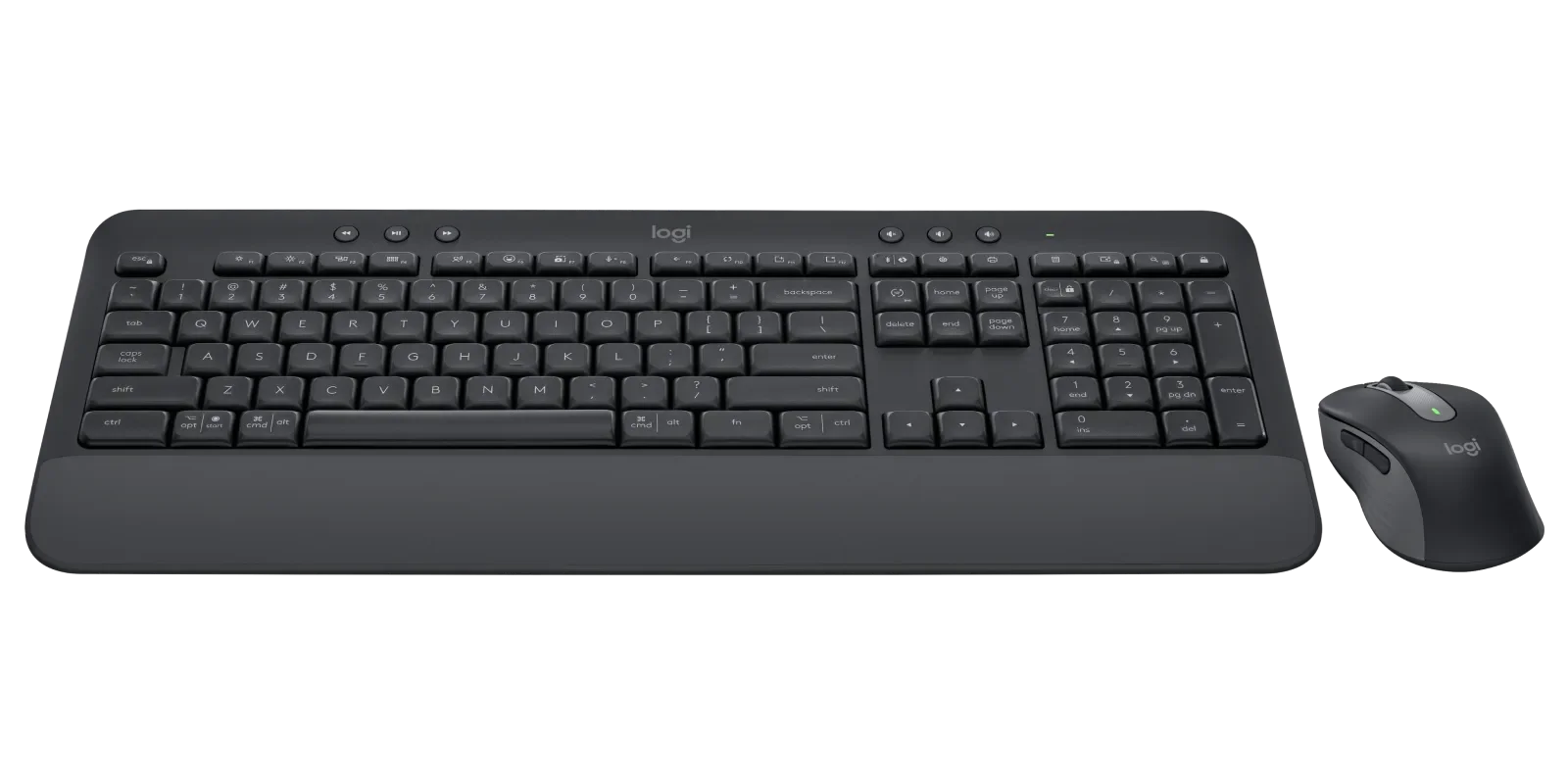
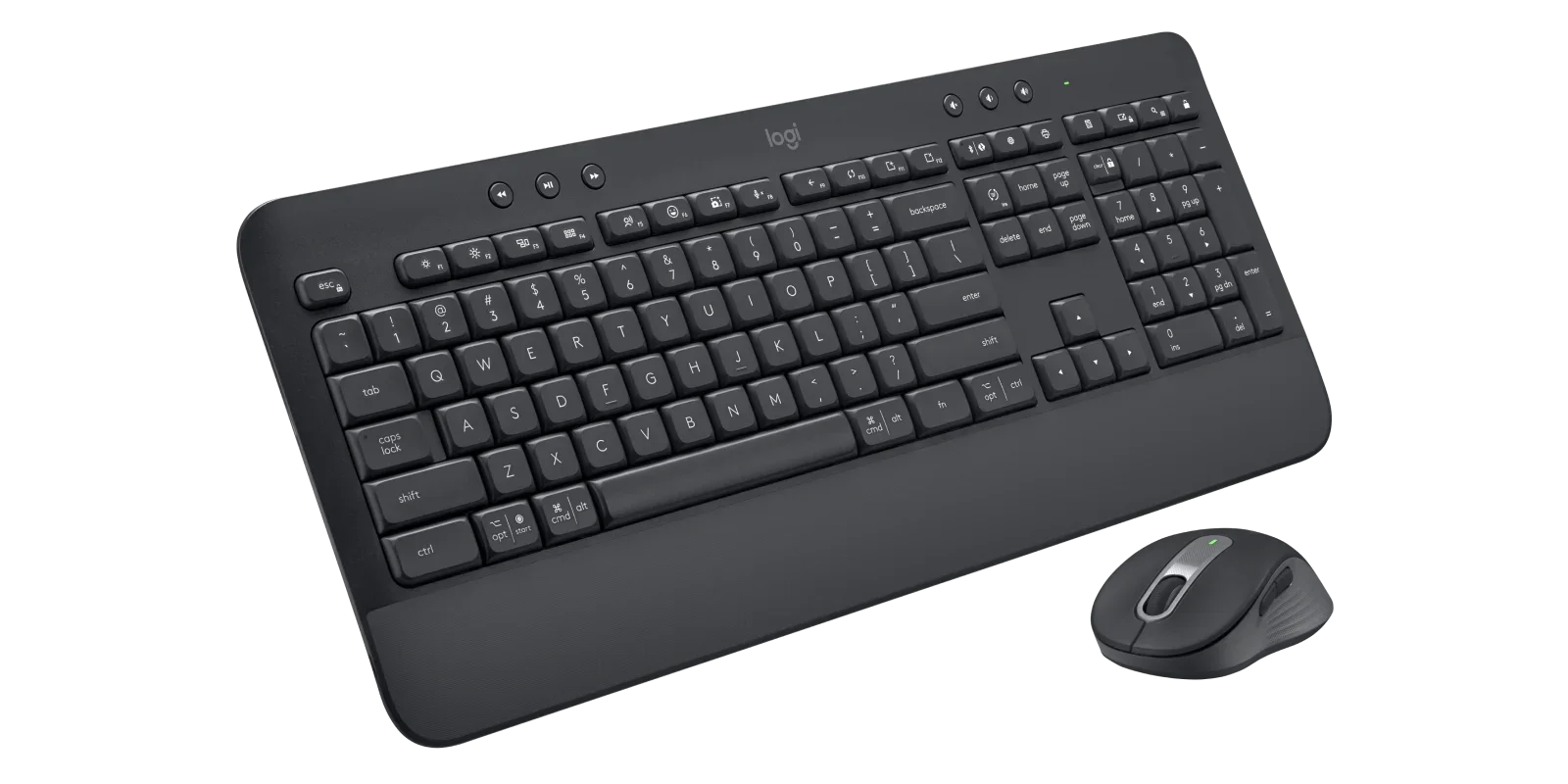
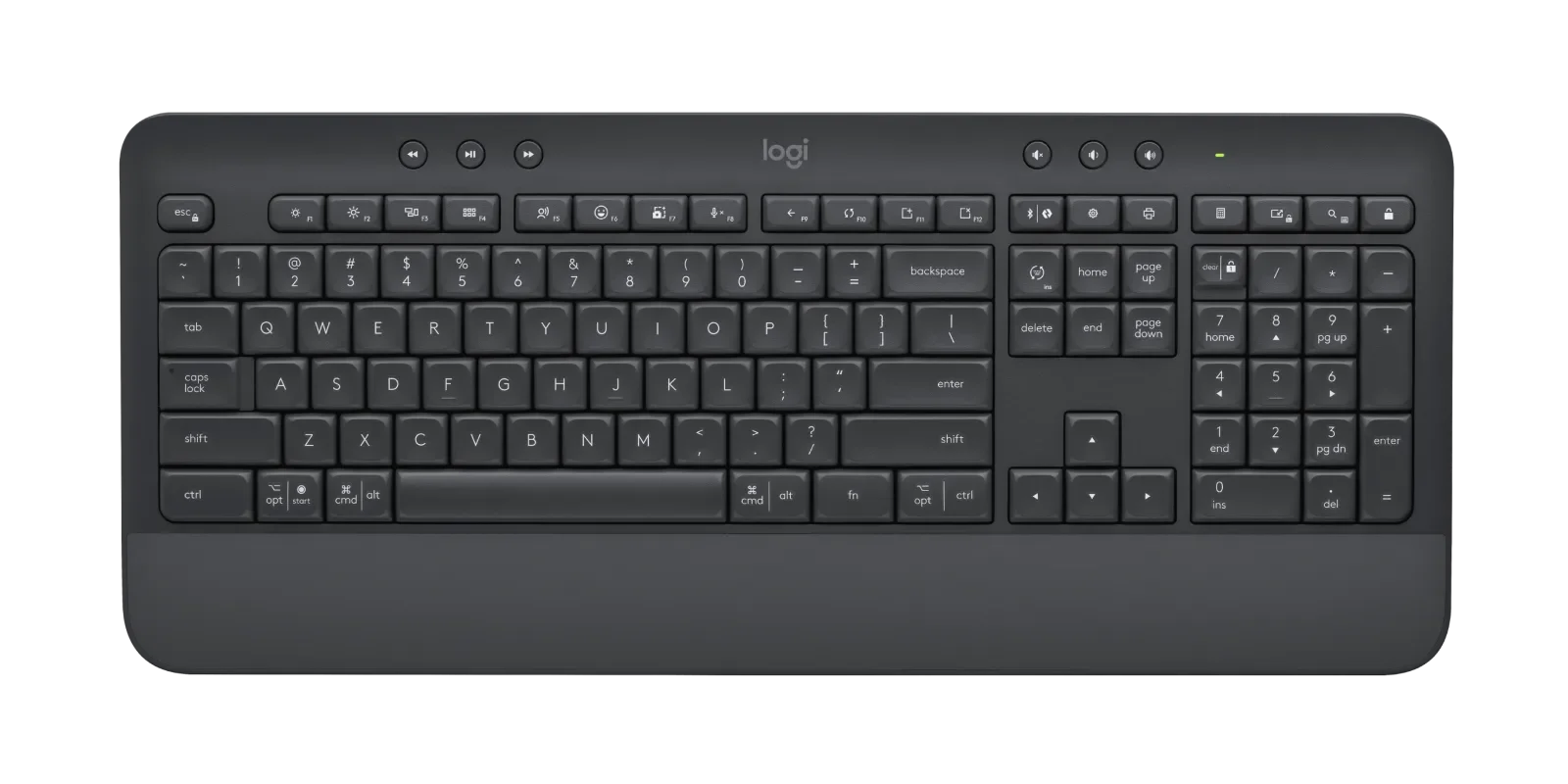
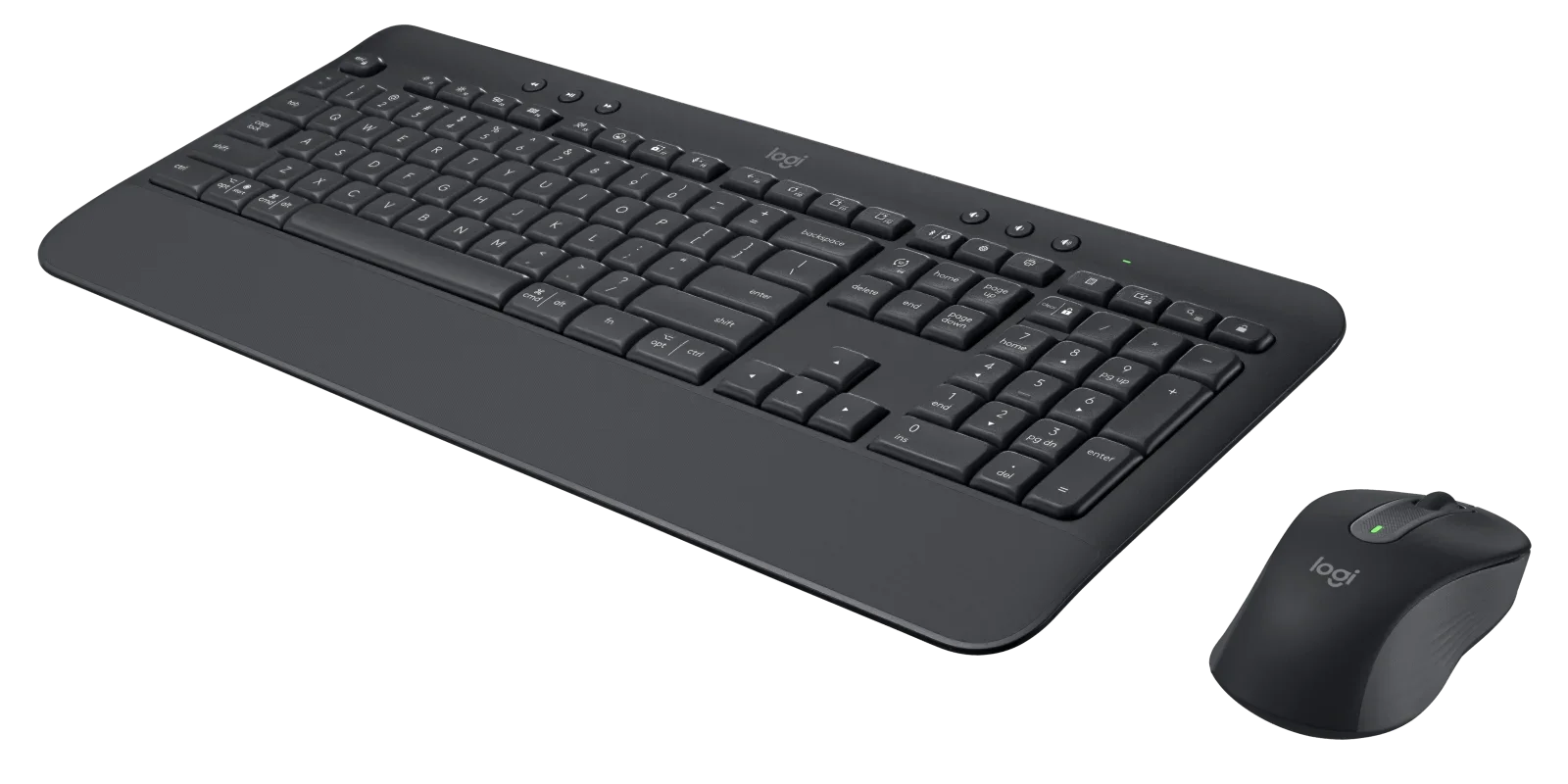
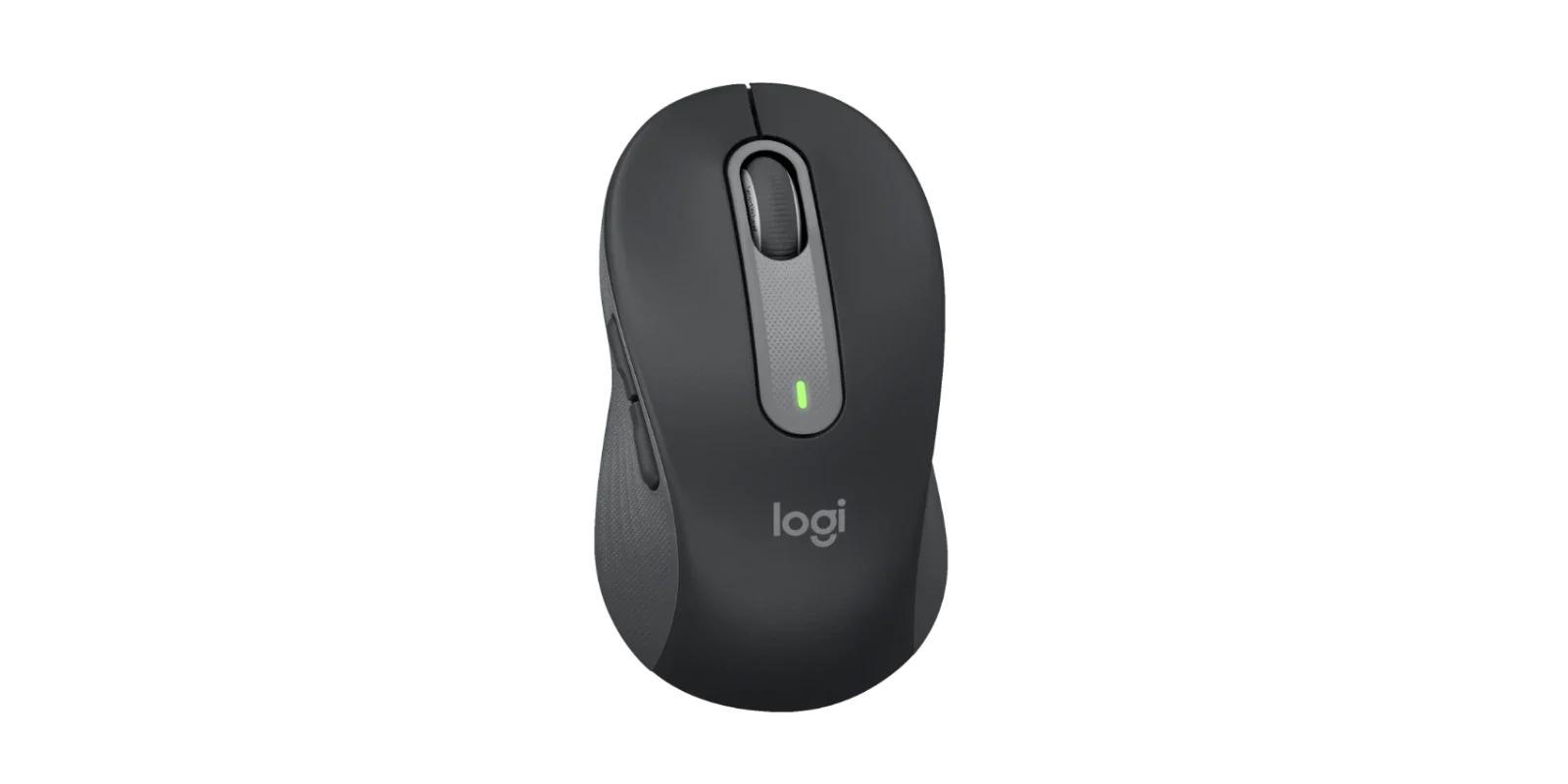
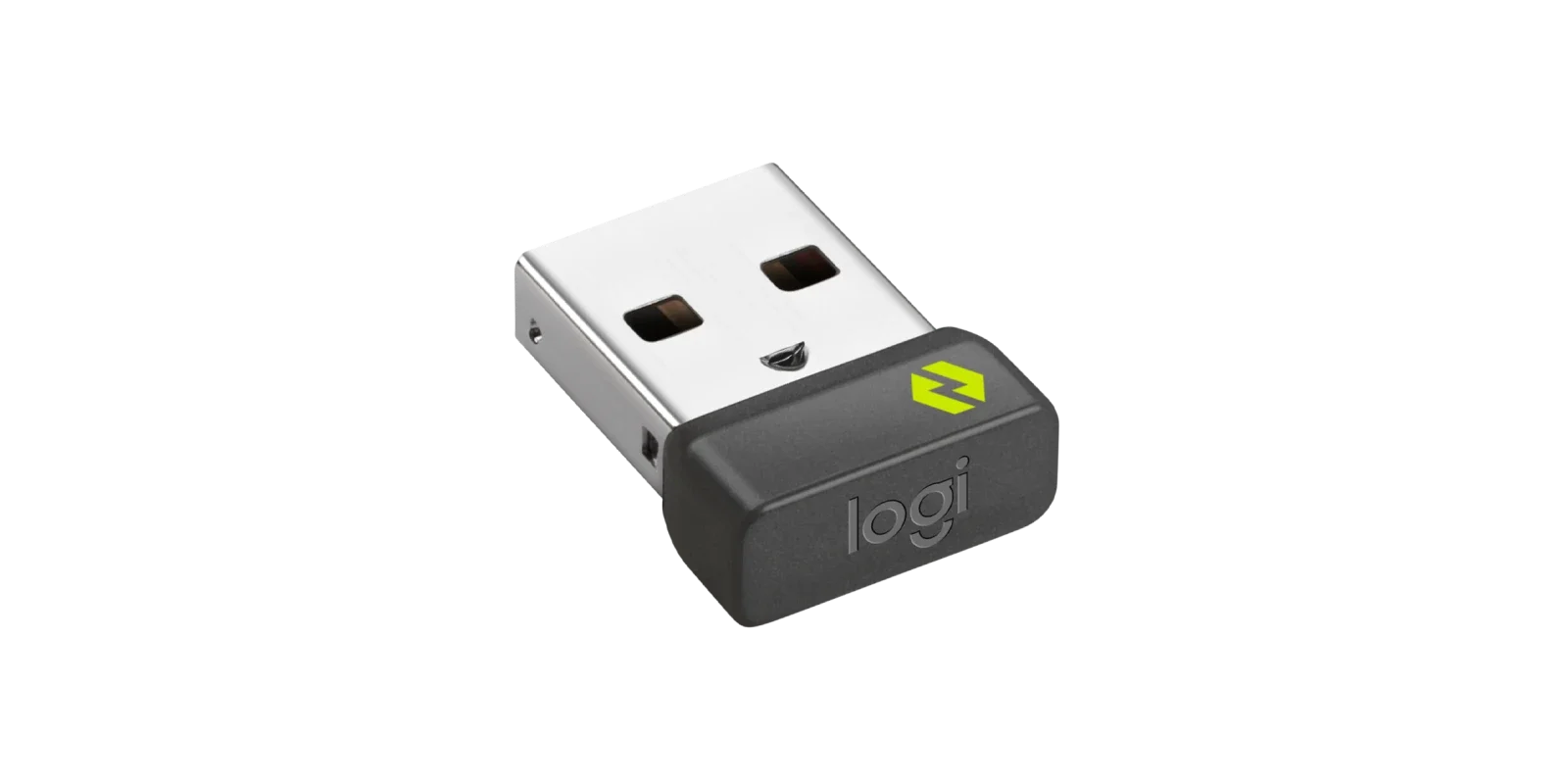
THE MK650 COMBO FOR BUSINESS
-

THE ESSENTIAL COMBO
The wireless upgrade everyone deserves. With advanced technology and designed for comfort. It's the essential wireless combo for improving employee experience.
-
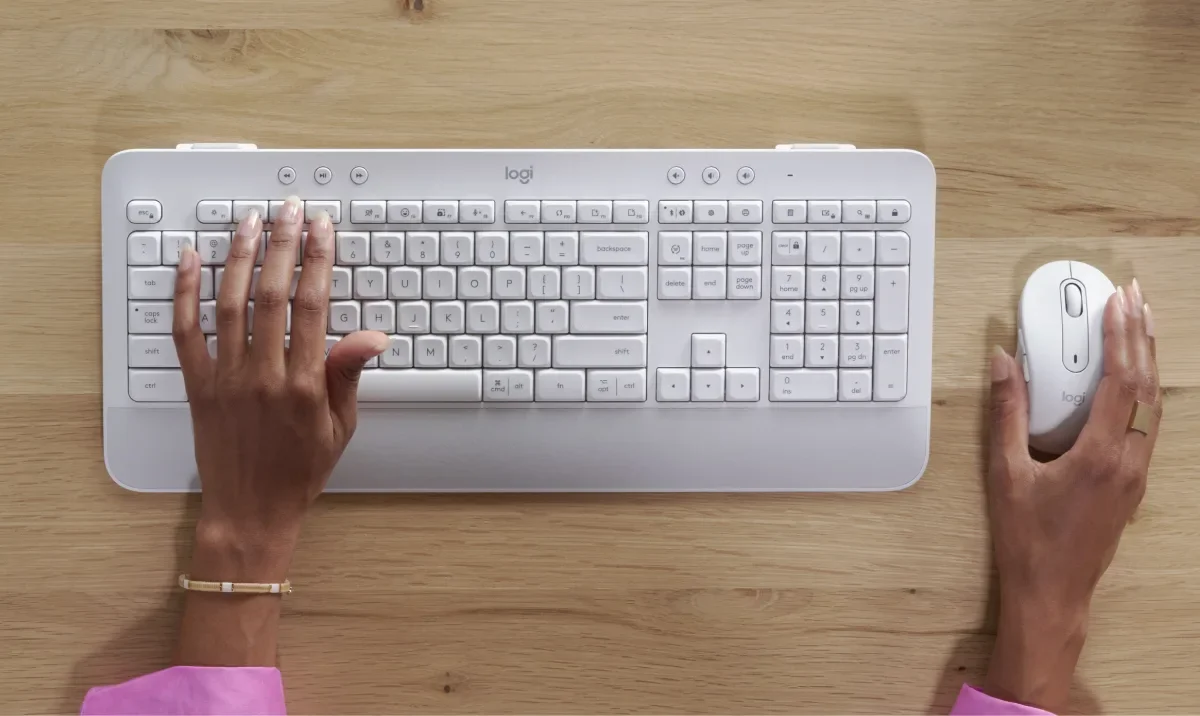
A PERFECT PERFORMANCE PAIRING
From simple set up to precision keystrokes and dual-mode scrolling, this is a combo designed for increased productivity and long hours at the desk.
-

UNINTERRUPTED WORKFLOWS
Worry less about failing batteries and down time. The Signature MK650 Combo for Business includes a AA mouse battery that lasts up to 24 months and two AA batteries for the keyboard which last up to 36 months.
-
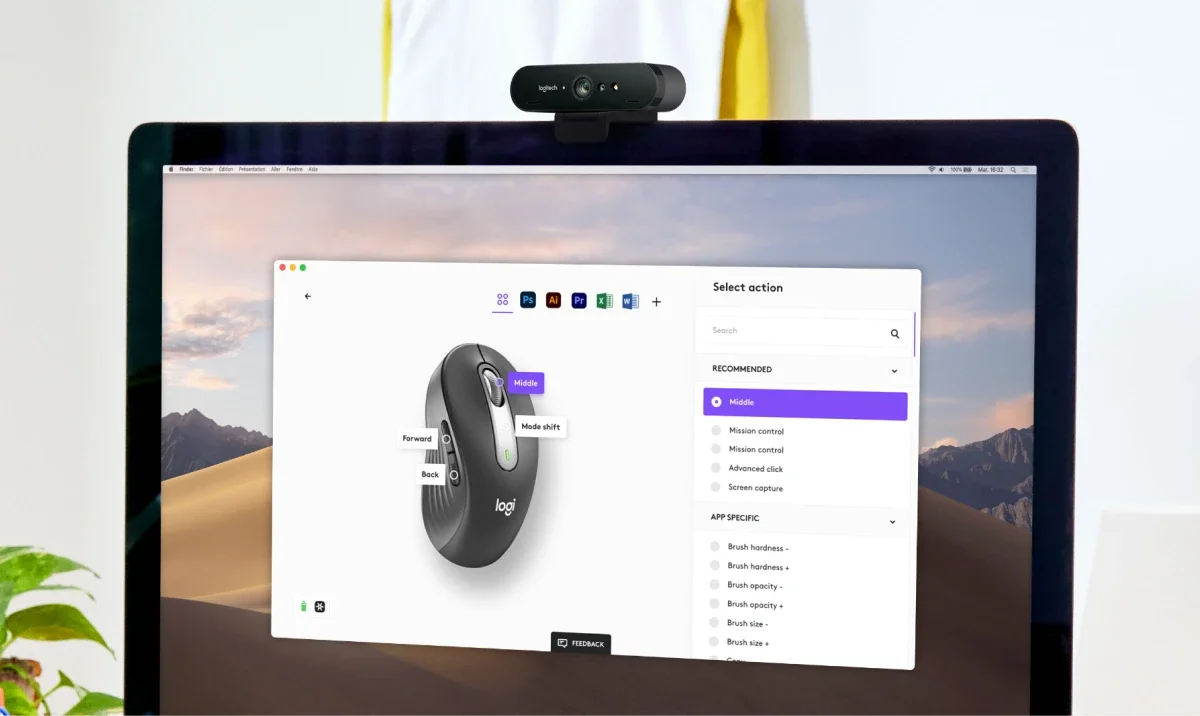
GREATER EFFICIENCY WITH LOGI OPTIONS+
Do more with Logitech mice and keyboards. Logi Options+ app allows users to check battery life, easily launch Copilot in Windows (in preview).
COMBO FOR COMFORT
FOR LONG DAYS AT THE DESK
The Signature MK650 Combo for Business is designed for all day comfort. The keyboard’s integrated palm rest and familiar keystrokes complement the soft thumb area and rubber side grips of the mouse. All helping to make working hours feel less like work.

PRODUCTIVITY X2
ENGINEERED FOR OUTPUT
The Signature MK650 Combo for Business is an easy way to increase employee productivity. The full-sized keyboard includes a numpad and pre-programmed F-Keys to streamline work. And the versatile mouse features a SmartWheel for more efficient scrolling with both line-by-line control and super-fast scrolling
BETTER COMPATIBILITY
GREATER PEACE OF MIND
The Signature MK650 Combo for Business is compatible with every major operating system and platform, so it’s easy to deploy and manage in a multi-platform environment. This can reduce IT help desk headaches and improve employee inefficiency.

ENTERPRISE-GRADE SECURITY
RELIABLE, SECURE CONNECTIONS
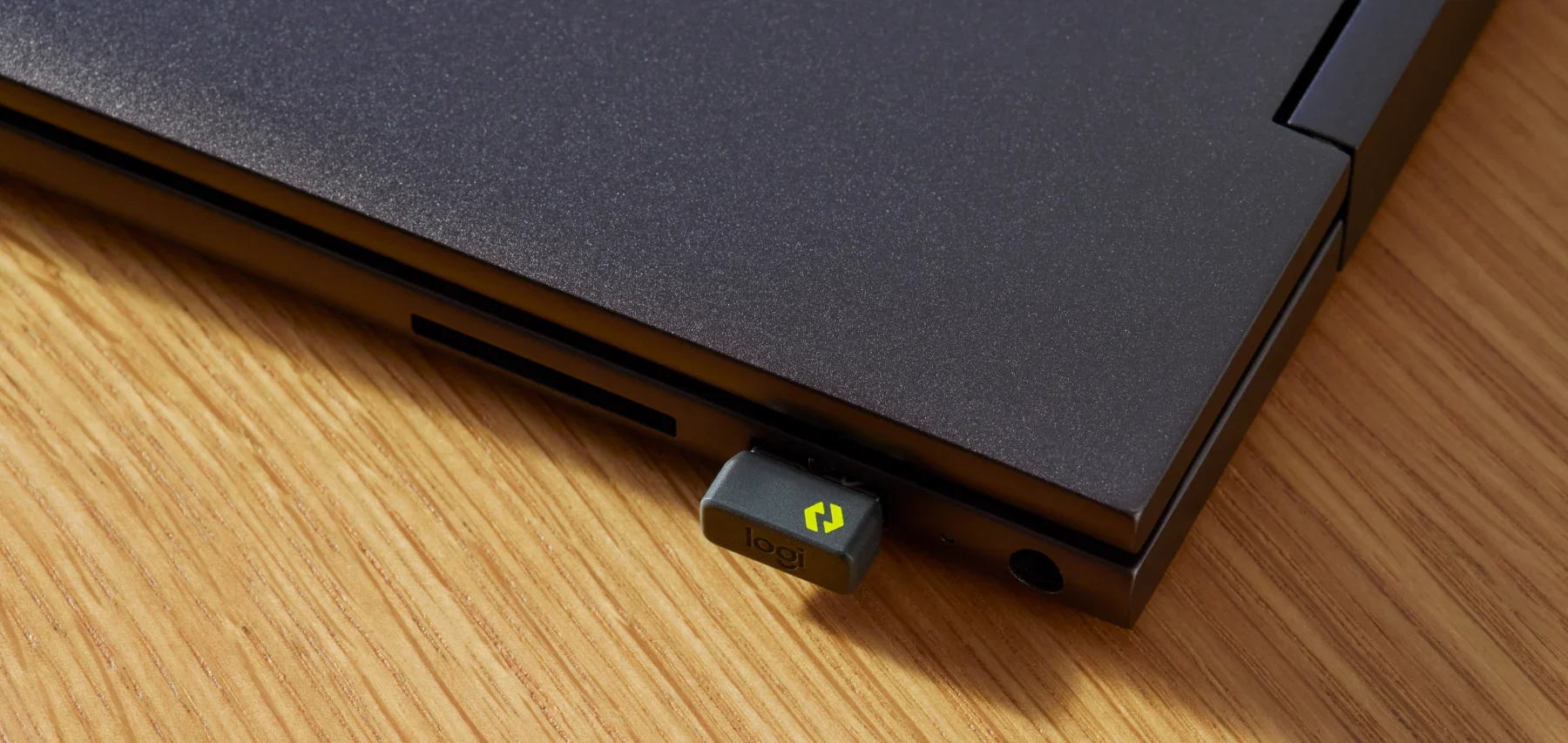
The Signature MK650 Combo for Business includes Logi Bolt wireless technology, engineered to conquer IT challenges in the office and when working remotely. Delivering cross-platform compatibility and robust, secure connections—even in congested wireless environments. Fully encrypted and FIPS compliant when paired with the Logi Bolt USB receiver.
Features That Deliver
-

HARDWORKING DESIGN
The MK650 Combo for Business was designed to make long hours at work easier. With shortcut keys for increased efficiency and a mouse with programmable buttons, this combo is engineered to keep up with demanding workflows.
-
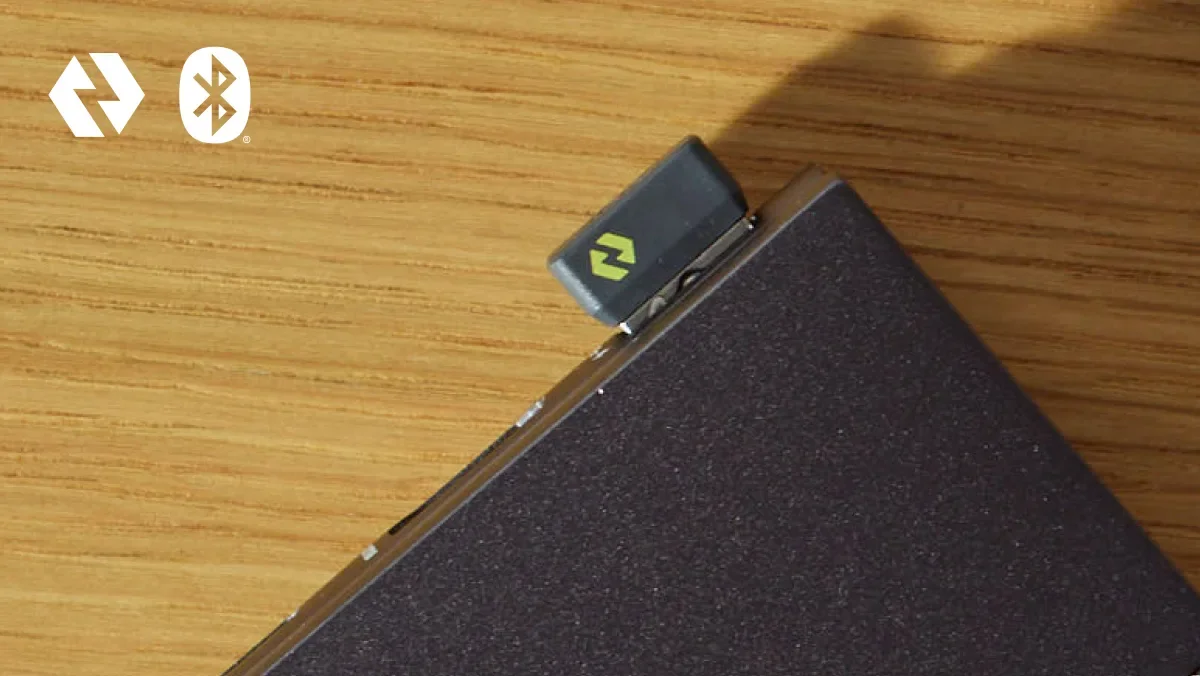
TWO WAYS TO CONNECT
Bluetooth® Low Energy or Logi Bolt, engineered for high-performance, secure connections even in congested wireless environments. It's compatible with all major OS's, making it an easy standard to deploy
-
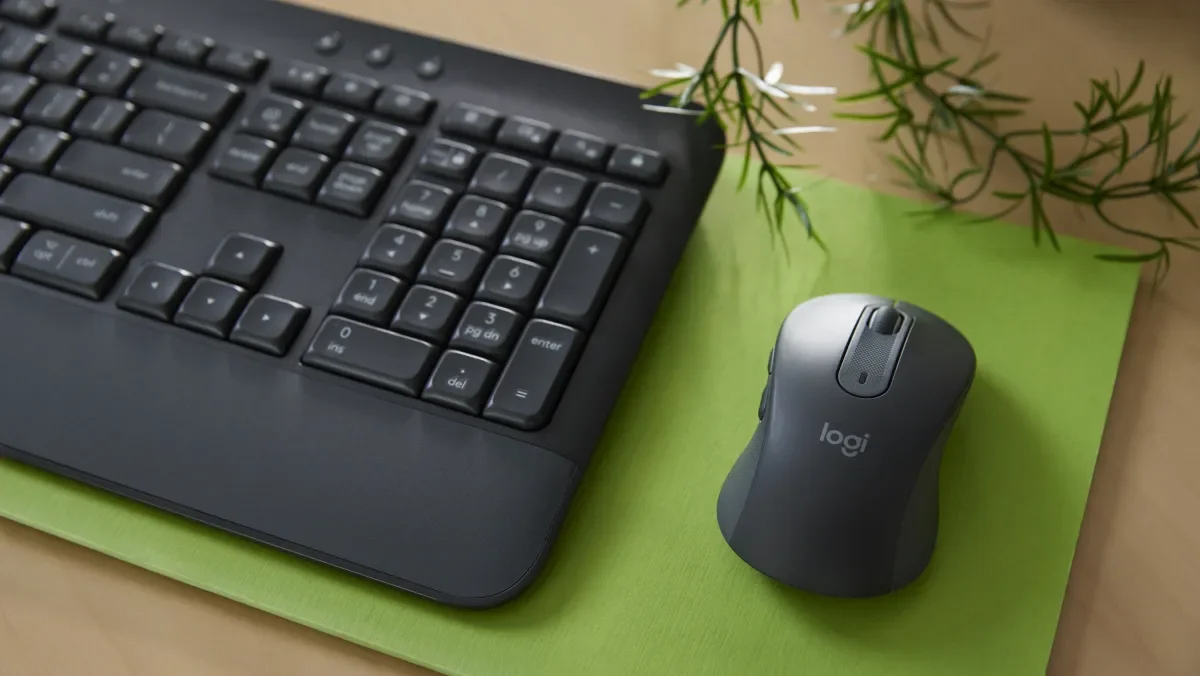
MAKING A DIFFERENCE
The plastic parts of the Signature MK650 Combo for Business are made from post-consumer recycled (PCR) plastic: 21% for the off-white and 28% for the graphite K650 keyboard, and 26% for the off-white and 64% for the graphite M650 mouse.
-
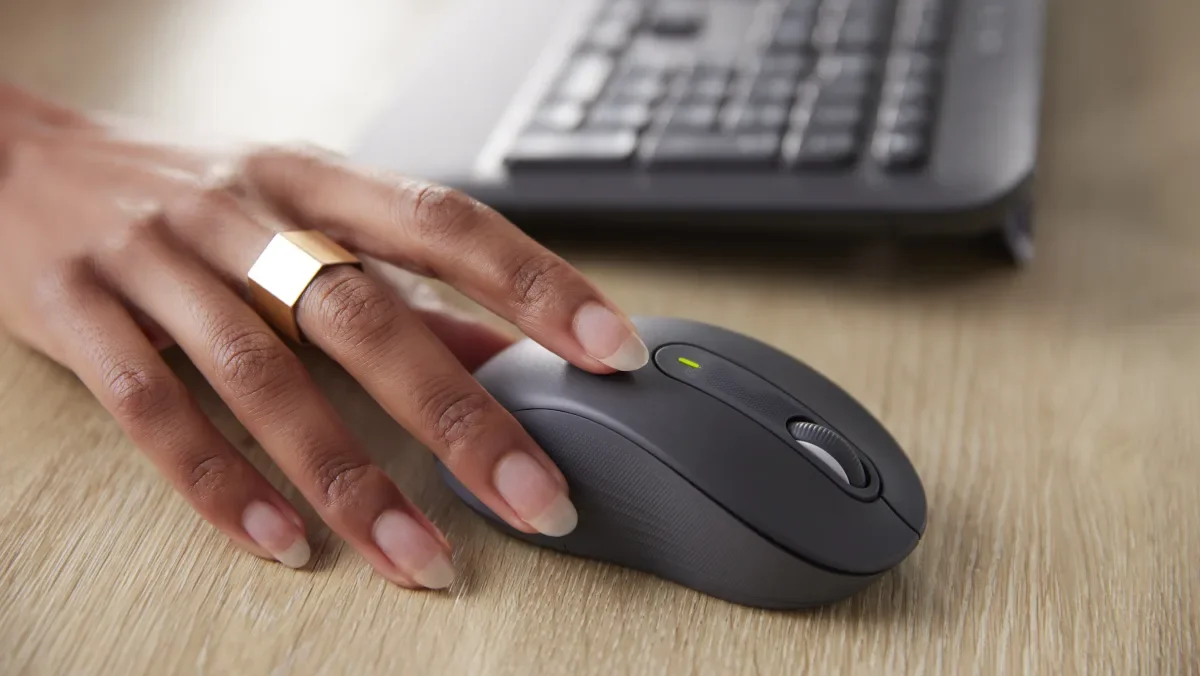
TIME-SAVING SCROLLING
Get line-by-line precision for documents or detail work. Or super-fast scrolling for long web pages and endless rows of spreadsheet cells. Switch modes with just a flick of the SmartWheel.
-

PRODUCTIVITY POWER DUO
Challenging workflows and long hours are no match for this high-output pair. It combines the comfort of a full-sized keyboard with the advanced functionality of a versatile mouse. A pairing designed to be a productivity powerhouse.
Technical specifications
-
Part Number
Graphite English US (QWERTY) : 920-010909
Off-white English US (QWERTY) : 920-011018
Dimensions
Signature M650 for Business
Height: 4.26 in (108.2 mm)
Width: 2.4 in (61 mm)
Depth: 1.52 in (38.8 mm)
Weight: 3.58 oz (101.4 g)
Signature K650 for Business
Height: 7.62 in (193.5 mm)
Width: 18.00 in (457.3 mm)
Depth: 0.94 in (24 mm)
Weight: 24.7 oz (700.23 g)
Logi Bolt USB Receiver
Height: 0.74 in (18.7 mm)
Width: 0.57 in (14.4 mm)
Depth: 0.24 in (6.1 mm)
Weight: 0.06 oz (1.7 g)
Technical Specifications
Sensor Technology
Precision tracking 400-4000 DPI
Buttons
5 buttons: Left/Right-click, Back/Forward, Middle click
Scroll Wheel: Line by line precision and hyper-fast speed
Keys
Total: 118
F-Row Keys: 20
Hot-Keys: 6
Shortcut Keys: 24
Wireless technology
Logi Bolt USB Receiver
Bluetooth Low Energy (BLE): 5.0+
Wireless operating distance
Up to 10 meters (33 feet) 17Wireless range may vary depending on operating environment and computer setup.
Battery
M650 Mouse: 1 AA battery (included) providing 24-months of operation 18Battery life may vary based on user and computing conditions.
K650 Keyboard: 2 AA batteries (included) providing 36-months of operation 19Battery life may vary based on user and computing conditions.
Customization app
Supported by Logi Options+ on Windows and macOS 20Available on Windows and macOS at logitech.com/optionsplus
Warranty Information
2-Year Limited Hardware Warranty
-
Logi Bolt USB Receiver
Requires: Available USB-A port
Windows 10, 11 or later
macOS 10.10 or later
Linux 21Device basic functions will be supported without software for systems other than Windows and macOS
ChromeOS 22Device basic functions will be supported without software for systems other than Windows and macOSBluetooth Low Energy Wireless Technology
Required: Bluetooth Low Energy
Windows 10, 11 or later
macOS 10.15 or later
Linux 23Device basic functions will be supported without software for systems other than Windows and macOS
ChromeOS 24Device basic functions will be supported without software for systems other than Windows and macOS
iPadOS 14 or later 25Device basic functions will be supported without software for systems other than Windows and macOS
iOS 14 or later 26Device basic functions will be supported without software for systems other than Windows and macOS
Android 8.0 or later 27Device basic functions will be supported without software for systems other than Windows and macOS. -
Signature M650 for Business mouse
Signature K650 for Business keyboard
Logi Bolt USB receiver (USB Type A)
1 AA battery for mouse
2 AA batteries for keyboard
User documentation -
Find all the documentation we have available to get this product up and running quickly.
Get in touch.
Contact us today to revolutionize classroom engagement with Logitech Reach.